
FIREWORKSBIBLE
Plan a backyard show from real product videos, positioned, timed and set to music. Then price it, print it and run it live.
Plan a backyard show from real product videos, positioned, timed and set to music. Then price it, print it and run it live.
Build and run as many shows as you like for free, and keep 1 saved show. Keeping more saved shows is part of the full web app. Trim Video, which sets the start and end of every clip in your show, and Know what the show costs are paid features, only on the full plan. Add your music is free. Product videos stay free to watch on every product page in the Guide.
Three steps sit at the top: Pick videos, Place positions, Play. New to this? Tap Plan my first show.
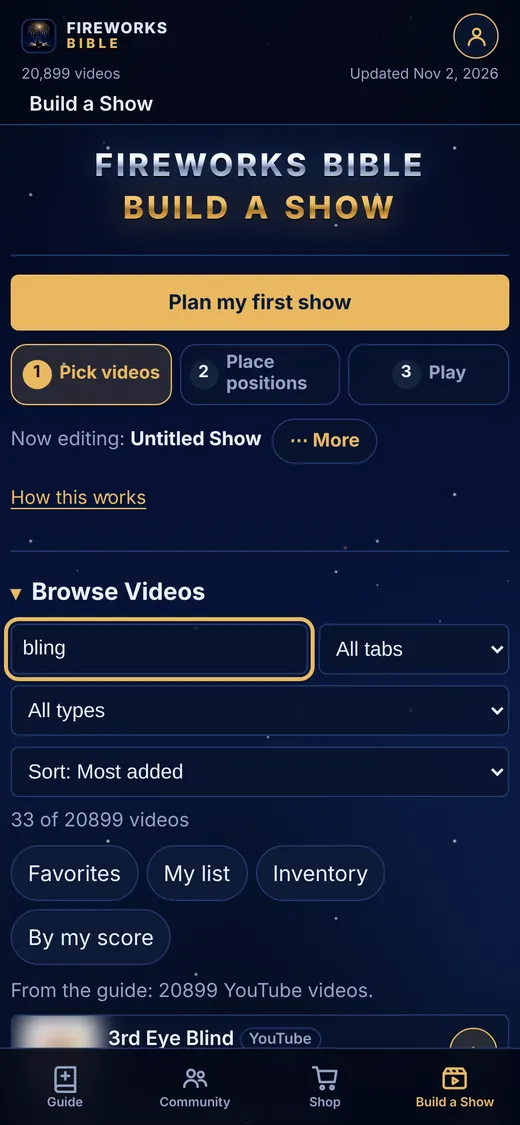
Search by name or brand, filter by type, tab or your own favorites, and add any clip to any position.
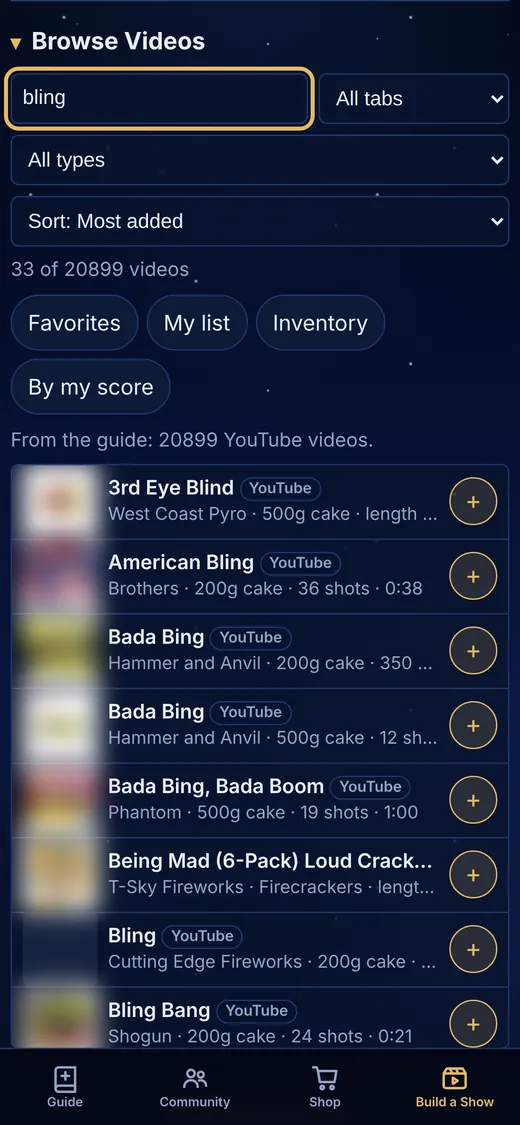
Tap squares to place up to nine firing positions, including marked fountain and artillery spots.
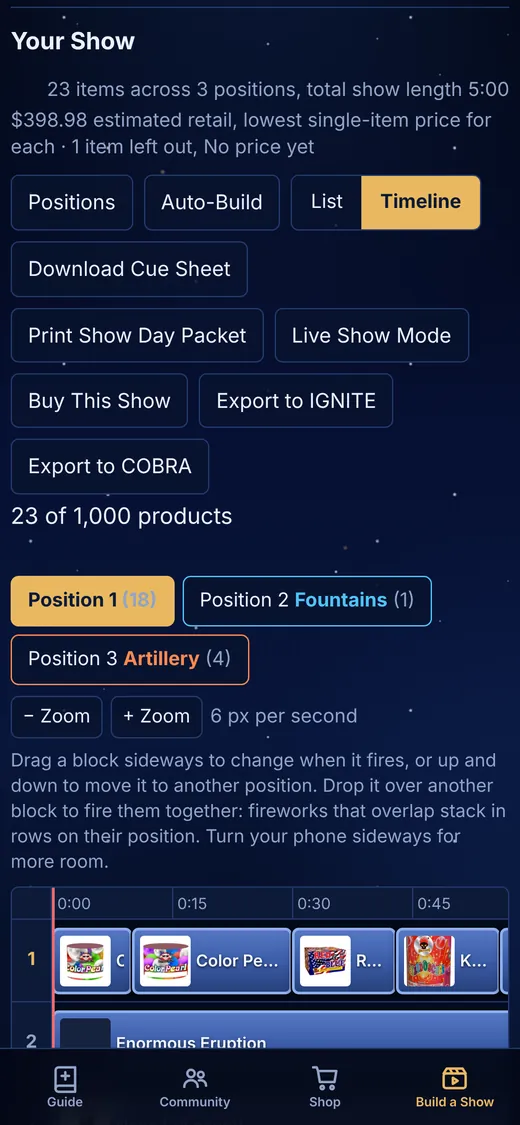
Every position and your music on one clock. Drag a block to change when it fires or where.
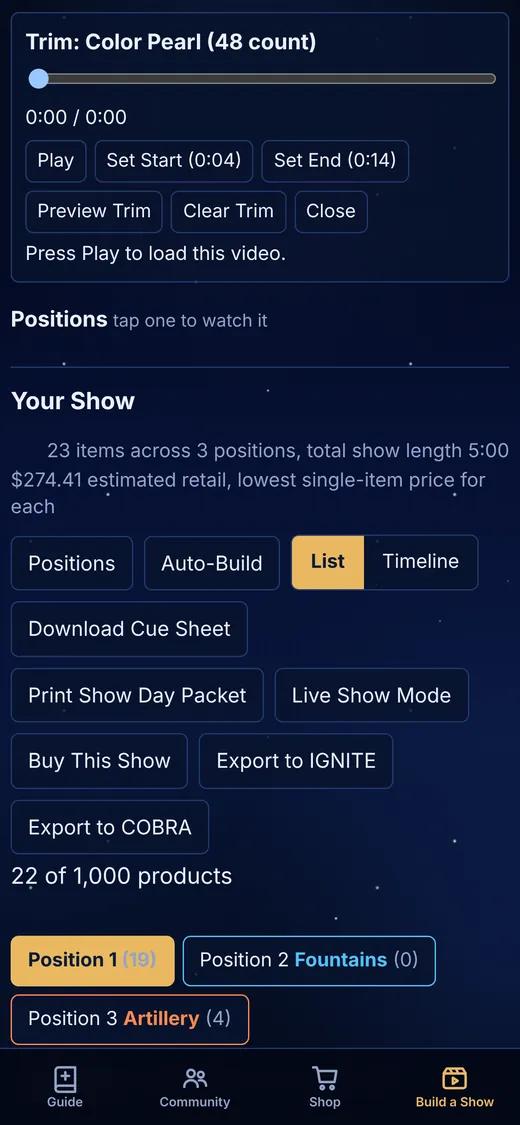
Trim Video is a paid feature, on the full plan only. Set the start and end of each video so every cue begins on the lift and ends on the break.
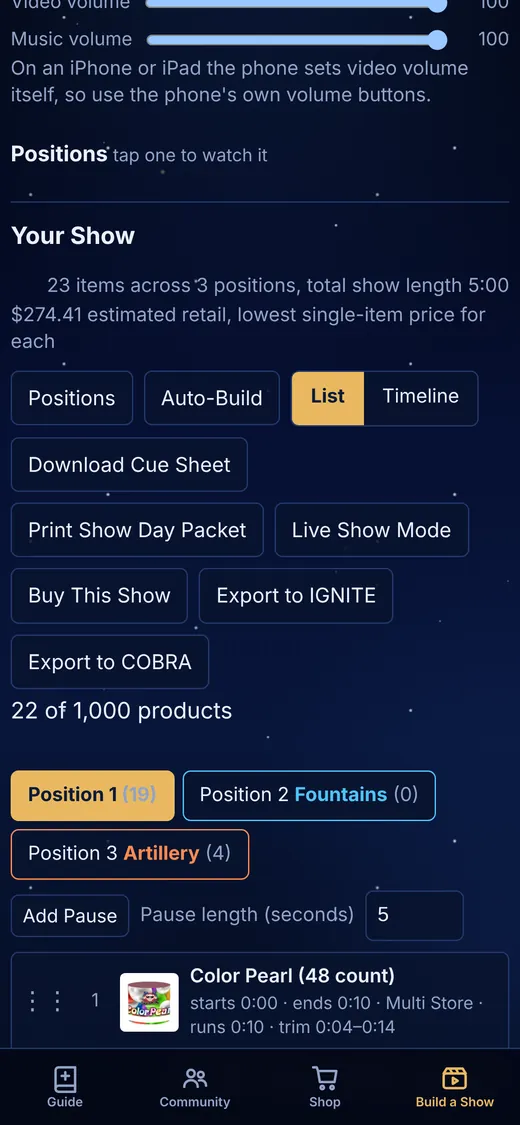
Load any track you own, see the waveform and set where it starts under the show.
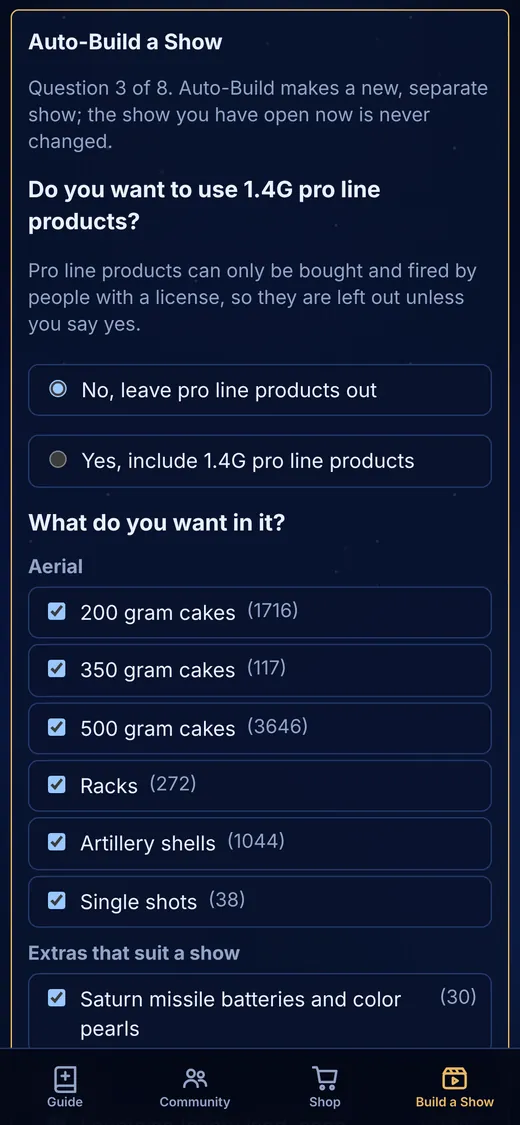
Answer a few questions about length, budget and what you like. Fountains and artillery get their own spots.
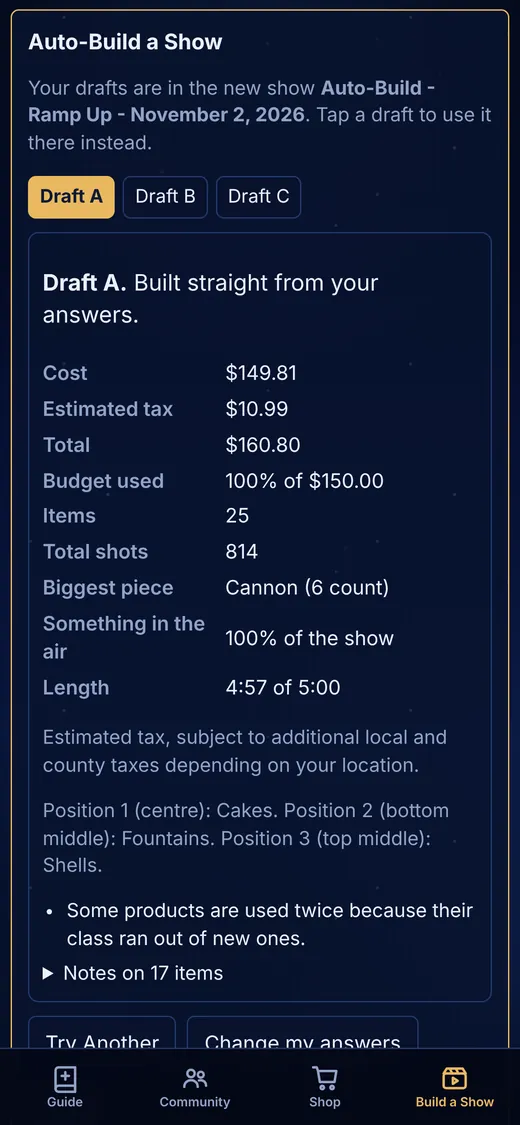
Know what the show costs is a paid feature, on the full plan only. Every draft shows the cost, estimated tax, item count, total shots and how much of the show is in the air.
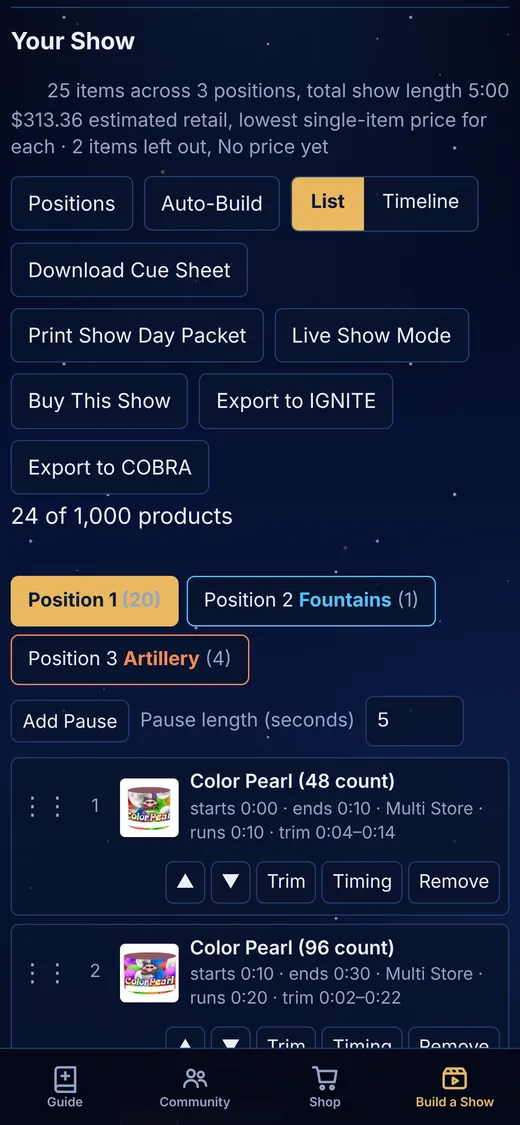
Print a show day packet, turn the show into a shopping list, or export it to IGNITE or COBRA. Saved to your account; 1 saved show free.
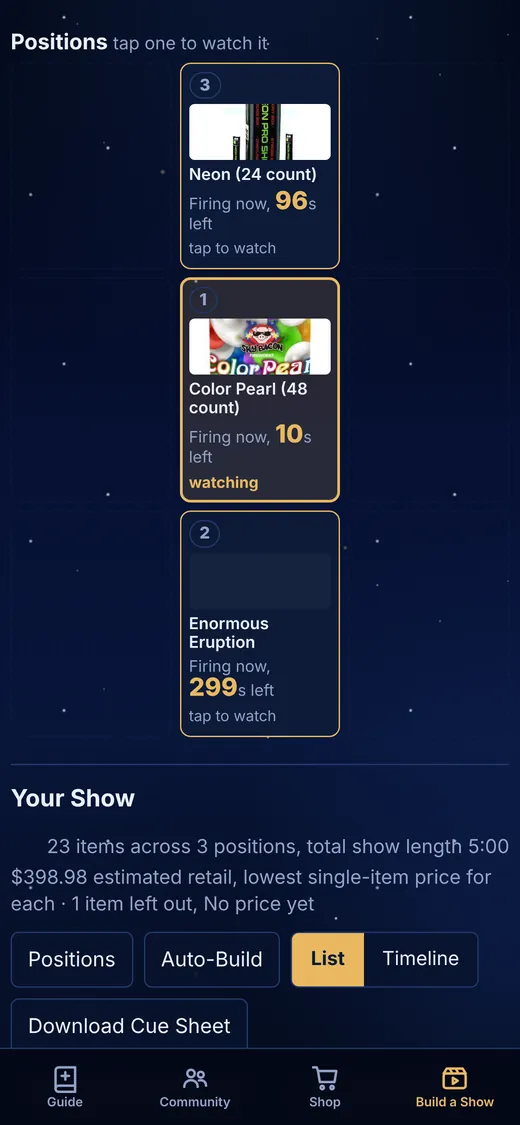
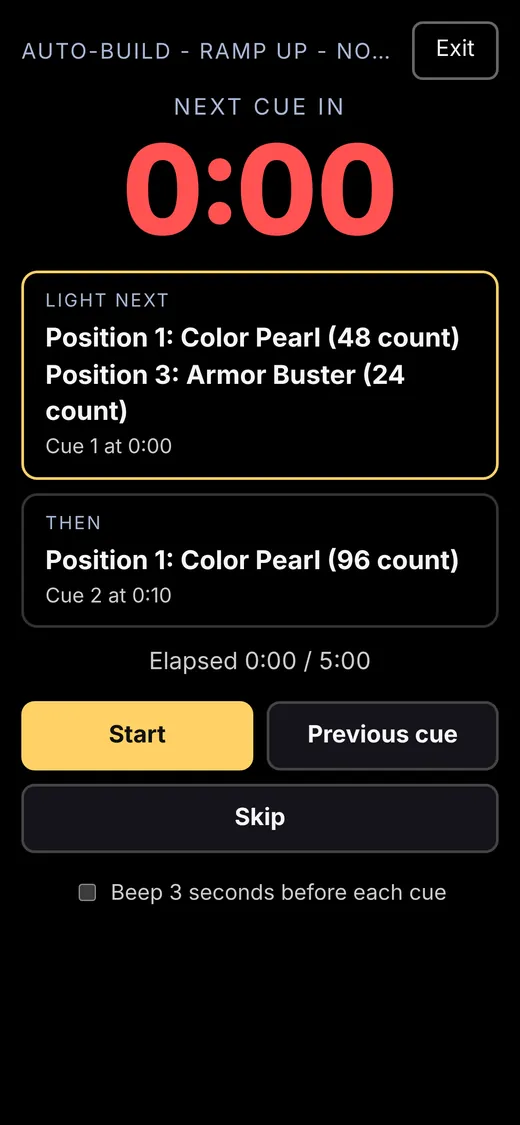
A big countdown to the next cue and which position lights next. Made for a phone in the dark.
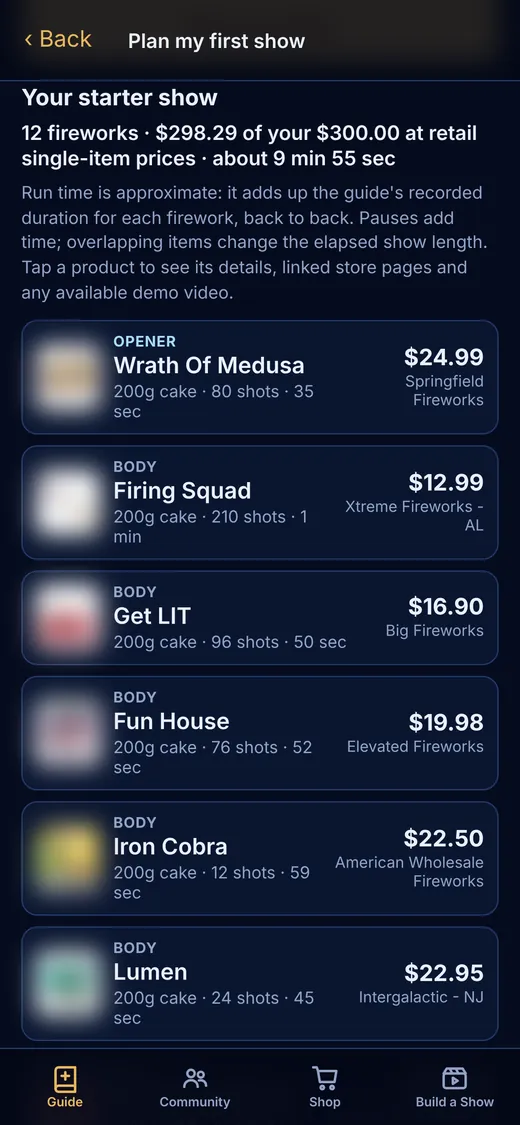
Set a budget, your ZIP code and how long the show should run to get a starter show priced from linked store prices.
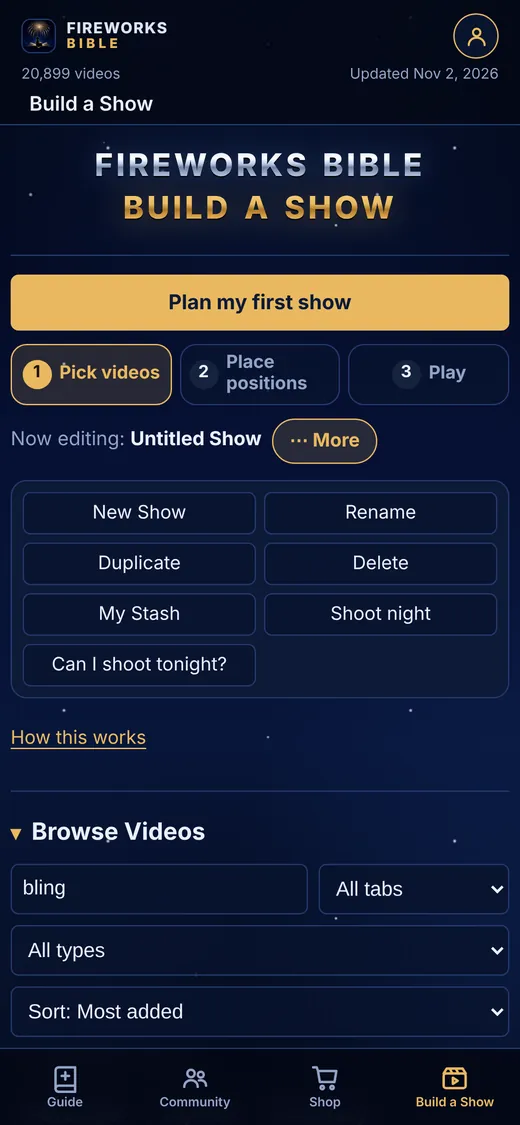
New Show, Rename, Duplicate, Delete, My Stash, Shoot night and Can I shoot tonight, one tap away.
Beta testers get the full web app free while we build, in exchange for feedback, scores and the products we are missing.
Request beta access Watch the Getting started videos